How to Use Two WhatsApp Accounts on One Phone (Android & iPhone, 2026)
You no longer need two phones or a risky mod app. WhatsApp now lets you run two accounts natively on both Android and iPhone — and you can also pair WhatsApp with WhatsApp Business. This 2026 guide covers all three official methods step by step, what you need (a second number), and the one method that will get you banned.

On this page
For years, keeping a personal and a work WhatsApp number meant carrying two phones or gambling on a third-party "dual WhatsApp" app that could get you banned. That's over. WhatsApp now supports two accounts inside the official app on both Android and iPhone — and there are two other legitimate ways to do it as well.
Here's every official method, what you need before you start, and the one shortcut to avoid.
The one thing you need first: a second phone number
Every WhatsApp account must be tied to its own phone number. There's no way around this. So before anything else, you need:
A dual-SIM phone (two physical SIMs), or
A phone with eSIM support plus one physical SIM, or
A second number you can receive a one-time verification code on (a spare phone works for the initial verification — after that, the second phone is optional)
If you only have one number, you'll need to add one. In India, a second SIM or eSIM from your carrier is the simplest route.
Method 1: WhatsApp's built-in "Add Account" (Android and iPhone)
This is the cleanest option and it's now official on both platforms. Android users have had it since 2023; WhatsApp brought it to iPhone in March 2026, rolling out through the App Store.
Both accounts live inside the one WhatsApp app, fully separated — each with its own chats, groups, profile, privacy settings and notifications. You switch between them with a tap, with no logging out and no re-verifying.
How to set it up:
Update WhatsApp to the latest version from the Play Store or App Store. On iPhone the feature is a rollout, so if you don't see it yet, update and check again in a few days.
Open WhatsApp and tap Settings.
Tap the arrow or account selector next to your name at the top.
Tap Add account.
Enter your second phone number and complete verification with the code sent to it.
That's it. Switch accounts any time from the same selector.
Each account gets its own notification settings, so you can silence the work number after hours without touching the personal one.
Good to know: the second number only needs to receive the verification code once. After that it doesn't need to stay active in the phone — though keeping the SIM in makes re-verification painless if you ever reinstall.
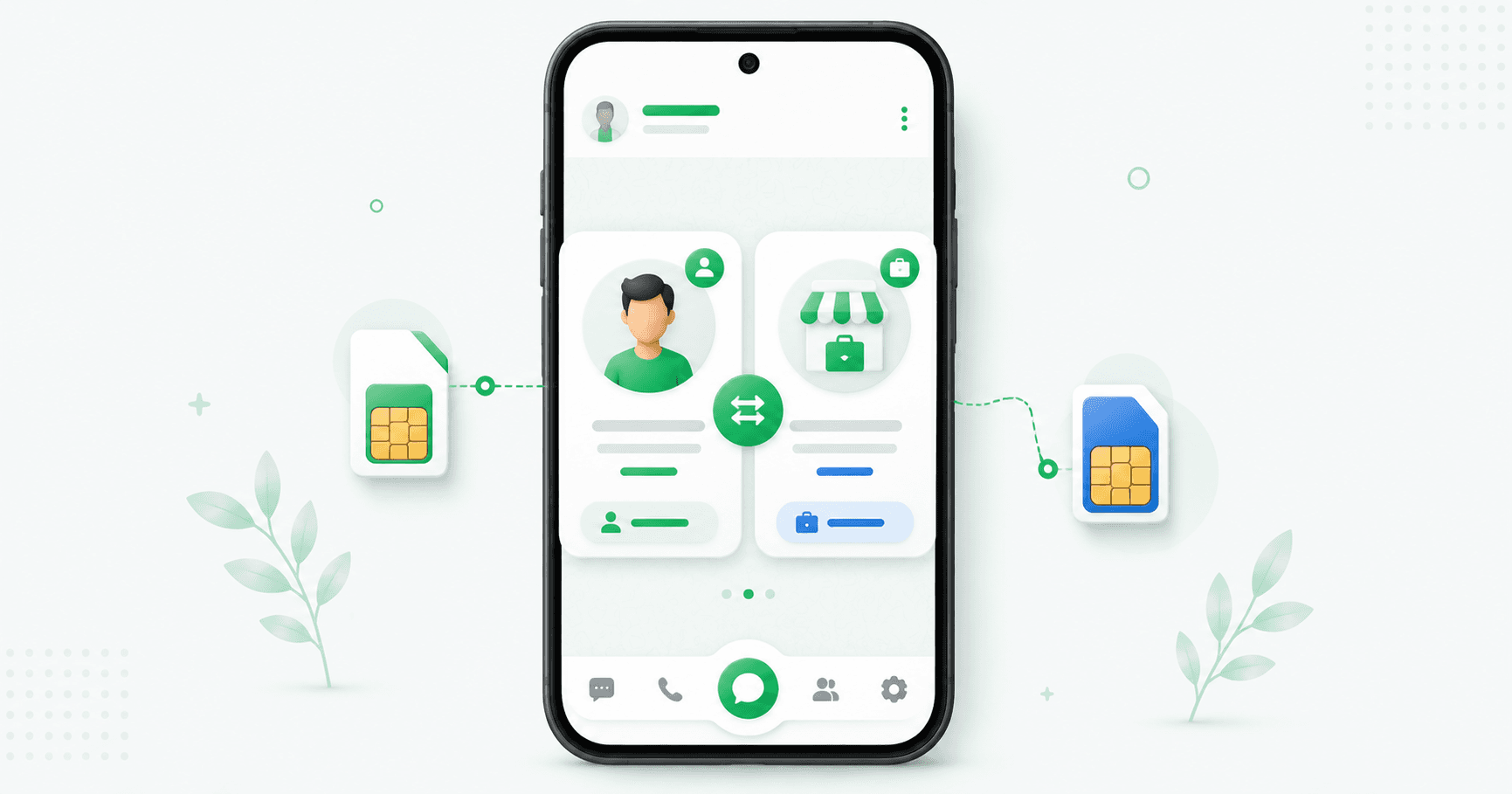
Method 2: WhatsApp + WhatsApp Business on the same phone
This is the most popular setup for anyone separating personal and business life — and it works on both Android and iPhone.
WhatsApp Business is a separate, free app from Meta. Because it's a different app, you can install it alongside regular WhatsApp and run both at once, each on its own number. Your personal chats stay in one app; customer conversations live in the other.
How to set it up:
Keep regular WhatsApp on your personal number.
Download WhatsApp Business from the Play Store or App Store (check the developer is Meta).
Open it and verify your second number (your business line).
Set up your business profile — name, category, hours, address, catalog.
The bonus here is that WhatsApp Business gives your work number features regular WhatsApp doesn't: a business profile, product catalog, quick replies, chat labels and automated greeting and away messages. If you use WhatsApp for customers at all, this is the better home for that number. (Full walkthrough in our WhatsApp Business app guide, and see WhatsApp vs WhatsApp Business if you're deciding between them.)
Can you combine methods? Yes. You could run two personal accounts in WhatsApp via Add Account and a business number in WhatsApp Business — three numbers on one phone, all official.
Method 3: Dual Apps / App Cloning (Android only)
Most Android manufacturers build in a feature that clones an app so you can run two copies of it. It goes by different names:
Samsung — Dual Messenger
Xiaomi / Redmi / POCO — Dual Apps
OnePlus — Parallel Apps
Oppo / Realme / Vivo — Clone Apps / App Clone
How to set it up:
Open Settings and search for "Dual Apps," "Dual Messenger," "Clone" or "Parallel Apps."
Find WhatsApp in the list and toggle it on.
A second WhatsApp icon appears on your home screen (often with a small badge).
Open the clone and verify your second number.
This is a manufacturer feature, not a third-party hack, so it's safe. It's useful if you want two copies of regular WhatsApp and your phone doesn't yet show the Add Account option. With native multi-account now available, though, Method 1 is simpler for most people.
What NOT to do: mod apps and "dual WhatsApp" clones
You'll see apps like GBWhatsApp, WhatsApp Plus, FMWhatsApp and various "dual WhatsApp" downloads promising two accounts and extra features. Don't use them.
They're unofficial modifications, and WhatsApp actively detects them. The consequence is a temporary ban, then a permanent one — and if that's your business number, you lose your customer conversations with it. They're also a common carrier of malware, since they're installed outside the official app stores.
Every method you need is now official and free. There's no reason to take the risk. (If you've already been banned for this, our guide on recovering a banned WhatsApp account covers the appeal process.)
Which method should you use?
Two personal numbers (e.g. home and a second SIM) → Method 1, Add Account.
Personal + business → Method 2, WhatsApp + WhatsApp Business. You get the business tools for the work number.
Two personal numbers on an Android that doesn't show Add Account yet → Method 3, Dual Apps.
Two or more people sharing one business number → none of these. That's a team, and it needs a proper shared inbox on the WhatsApp Business API — with agent logins, assignment and accountability — rather than passing one phone around.
Common problems and fixes
"I don't see the Add Account option." Update WhatsApp. On iPhone it's a phased rollout — if it's still missing after updating, wait a few days, or use Method 2 in the meantime.
"It says my number is already in use." A number can only be on one WhatsApp account at a time. If it's registered elsewhere, log out there first, or use a different number.
"Notifications from both accounts are confusing." Set different notification tones per account (in each account's Settings → Notifications), and use WhatsApp Business's away message so the work number answers itself after hours.
"Can I use the same number on both WhatsApp and WhatsApp Business?" No — each app needs its own number. But you can move a number from one to the other and keep the chat history.
"Will the second account show my personal profile?" No. Each account has its own name, photo, about and privacy settings.
Running a business number? A note on scale
If your second number is for customers, the free WhatsApp Business app is genuinely enough while it's just you. The point it stops being enough is when a second person needs to answer, when you want to message more than 256 contacts, or when you want replies automated. That's when you move to the WhatsApp Business API — the same number, but with a team inbox, chatbot and broadcasts behind it.
Frequently asked questions
Can I use two WhatsApp accounts on one phone?
Yes. WhatsApp now supports two accounts inside the official app on both Android (since 2023) and iPhone (since March 2026) via Settings → Add account. You can also run WhatsApp and WhatsApp Business side by side, or use your phone's Dual Apps feature on Android. Each account needs its own phone number.
Can I use two WhatsApp accounts on one iPhone?
Yes, as of 2026. WhatsApp officially added native two-account support for iPhone in March 2026 — update the app, go to Settings, tap the account selector next to your name and choose Add account. You'll need a second number, via dual SIM or eSIM. Alternatively, install WhatsApp Business alongside regular WhatsApp.
Do I need two SIM cards for two WhatsApp accounts?
You need two phone numbers, since each account must verify its own number. A dual-SIM or eSIM phone is easiest. Strictly, the second number only needs to receive the one-time verification code, so a spare phone can be used just for that step — but keeping the SIM active avoids problems if you ever reinstall.
Can I use the same phone number for WhatsApp and WhatsApp Business?
No. A number can be registered to only one WhatsApp account at a time, so each app needs a different number. You can, however, migrate a number from regular WhatsApp to WhatsApp Business (or back) and keep your chat history.
Is it safe to use GBWhatsApp or dual WhatsApp apps?
No. Mod apps like GBWhatsApp, WhatsApp Plus and FMWhatsApp are unofficial, WhatsApp detects them, and they lead to temporary and then permanent bans. They're also a common source of malware. All the methods you need — Add Account, WhatsApp Business, and Dual Apps — are official and free.
Will my two WhatsApp accounts share chats or contacts?
No. Each account is fully isolated with its own chats, groups, profile, privacy settings and notifications. Contacts sync from your phone's address book, but conversations never mix between accounts.
How many WhatsApp accounts can I have on one phone?
Using official methods, comfortably three: two in the WhatsApp app via Add account, plus a third in WhatsApp Business. Each needs its own phone number.
What if two people need to use the same WhatsApp business number?
That's a team setup, not a two-accounts problem. Rather than sharing one phone, use the WhatsApp Business API with a shared inbox, which gives each person their own login, conversation assignment and accountability on a single number.
The bottom line
Two WhatsApp accounts on one phone is now a five-minute, fully official setup. Get a second number, then either add the account inside WhatsApp, pair it with WhatsApp Business, or use your Android's Dual Apps. Skip the mod apps entirely — they're the only way to turn this simple task into a lost number.
Using the second number for customers? Splashify Pro takes it from a single phone to a full business channel — shared team inbox, AI chatbot and broadcasts on the official WhatsApp API. Keep your number, free for 14 days.
Related posts
More articles you might find useful.
How to Change or Migrate Your WhatsApp Business Number (2026 Guide)
A business WhatsApp number is an asset printed on your website, cards and ads — so changing it needs care, or customers keep messaging a dead number. This 2026 guide covers all three "changes": switching the phone number, converting personal to business, and migrating to the API — the exact steps for each, and how to lose no chats or customers.
How to Schedule WhatsApp Messages (Android, iPhone, Web & Business) — 2026
WhatsApp still has no built-in scheduler — and the "Tools → Schedule message" option some sites mention doesn't exist. This 2026 guide covers every method that actually works: SKEDit on Android, Shortcuts on iPhone (with a catch), browser extensions on Web, and cloud scheduling on the Business API — plus what each one can't do.

WhatsApp Communities: How to Create and Manage One (Complete 2026 Guide)
WhatsApp Communities tie related groups together under one name with an admin-only announcement group that reaches everyone at once — up to 5,000 members across 50 groups. This 2026 guide covers how to create and manage a Community, how it compares to groups and Channels, the limits, and when it's the wrong tool for customer messaging.