Free WhatsApp Link Generator: Create a wa.me Click-to-Chat Link
Generate a free WhatsApp link (wa.me click-to-chat) with a pre-filled message — no login, no coding. Copy your link and start getting chats from your website, Instagram bio, ads and QR codes.

On this page
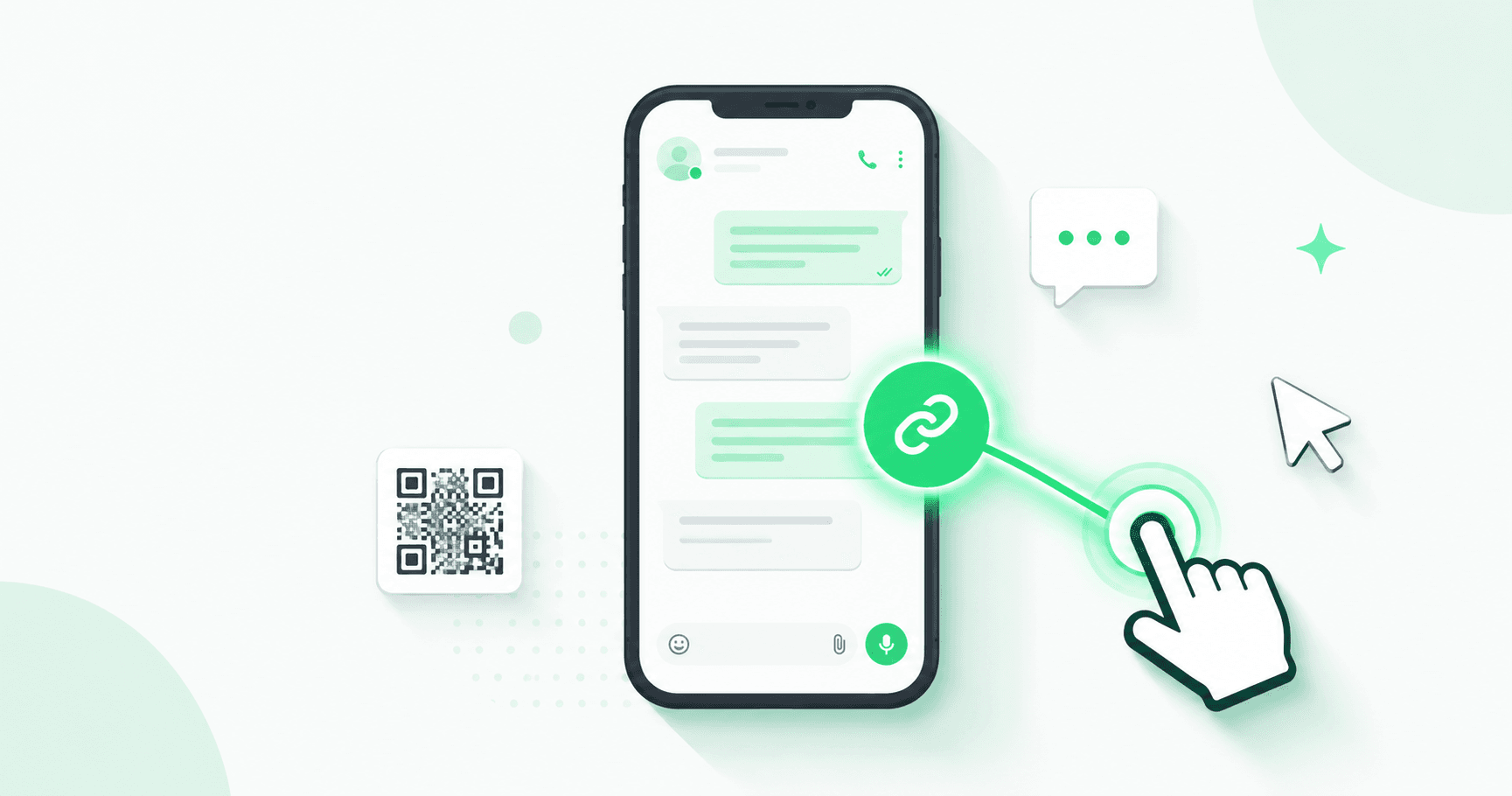
A WhatsApp link lets anyone start a chat with you in a single tap — no saving your number, no copying digits, no typing. Use the free generator above to create your wa.me click-to-chat link in two steps, add an optional pre-filled message, and paste it anywhere: your website, Instagram bio, email signature, Google Business Profile, or a "Click to WhatsApp" ad. No login, no coding, no WhatsApp Business account required.
Below you'll find exactly how WhatsApp links work, the wa.me format, where to use them, and how to turn those first chats into a real sales channel.
What is a WhatsApp link (wa.me / click-to-chat)?
A WhatsApp link — also called a wa.me link or click-to-chat link — is a URL that opens a WhatsApp conversation with a specific number the moment someone taps it. WhatsApp's official click-to-chat feature means your customer never has to save your contact or type your number to reach you.
A finished link looks like this:
https://wa.me/919046615888?text=Hi%20Splashify%20Pro%2C%20I%27d%20like%20to%20know%20more
Tap it on any phone and WhatsApp opens with the chat — and your pre-filled message — ready to send.
How to create a WhatsApp link in 2 steps
1. Enter your WhatsApp number with the country code (for India that's 91), with no + sign, spaces, or leading zero. Example: 919046615888.
2. Add an optional pre-filled message — the text that auto-fills in the customer's chat box, like "Hi, I'm interested in your services." Then copy your link and share it.
That's it. The generator above builds the link instantly in your browser and gives you a ready-to-copy URL.
The wa.me link format explained (manual method)
Prefer to build it by hand? Every WhatsApp link follows the same structure:
https://wa.me/<number>?text=<your message>
- Base URL: always https://wa.me/
- Number: country code + number, digits only — no +, no 0, no spaces or dashes (e.g. 919046615888)
- ?text= the optional pre-filled message, URL-encoded (a space becomes %20, a comma becomes %2C)
So "Hi, I need help" becomes ?text=Hi%2C%20I%20need%20help. The generator encodes this for you automatically — un-encoded messages are the number-one reason hand-built links break.
WhatsApp link with a pre-filled message
The pre-filled message is where a good link earns its keep. Instead of a blank "Hi," guide the conversation:
- "Hi, I'd like a quote for [product]."
- "Hi! I saw your Instagram and want your pricing."
- "Hi, I need help with order #___"
A specific opener gives your team — or your WhatsApp chatbot — instant context and removes the typing effort that makes hesitant visitors drop off.
WhatsApp link vs WhatsApp QR code
Same destination, two formats:
- A WhatsApp link is best for digital placements people can click — websites, bios, emails, ads.
- A WhatsApp QR code is best for offline placements people can scan — packaging, receipts, menus, business cards, posters, shop windows.
Both use the exact same wa.me URL underneath. Generate your link first, then turn that same URL into a QR code for anything printed.
Where to use your WhatsApp link
Put your link everywhere a customer might want to reach you:
- Website "Chat with us" button — on contact, pricing and landing pages, to catch buyers before they leave.
- Instagram, Facebook & X bio — turn profile visits into DMs and leads.
- Google Business Profile — let local searchers message you directly.
- Email signature & newsletters — a personal, instant reply channel.
- Meta "Click to WhatsApp" ads — the same link powers high-intent ad campaigns.
- Invoices, packaging & receipts (as a QR code) — frictionless reorders and support.
Track your WhatsApp link clicks
Add UTM parameters to see which placement actually drives chats:
https://wa.me/919046615888?text=Hi&utm_source=instagram&utm_medium=bio
Then track clicks in Google Analytics or a link shortener. Tip: use a slightly different pre-filled message per channel (e.g. mention "Instagram") so you can tell at a glance where each lead came from.
From a simple link to automated WhatsApp marketing
A wa.me link is the perfect first step — but once chats start rolling in, replying by hand doesn't scale. That's where the WhatsApp Business API comes in. With [Splashify Pro](https://splashifypro.com/whatsapp-api) you can:
- Auto-reply to every link click 24/7 with a [WhatsApp chatbot](https://splashifypro.com/products/whatsapp-chatbot-platform)
- Send order updates, offers and [broadcasts](https://splashifypro.com/products/whatsapp-broadcast-software) to thousands at once
- Manage every conversation with your team in a [shared inbox](https://splashifypro.com/products/whatsapp-shared-inbox)
- Run [Click to WhatsApp ad](https://splashifypro.com/products/click-to-whatsapp-ads) campaigns that drop leads straight into automated flows
[Start free with Splashify Pro →](https://app.splashifypro.com/auth/signup) and turn click-to-chat links into a real revenue channel.
Frequently asked questions
Is the WhatsApp link generator free?
Yes — it's 100% free, with no login and no limits. Enter your number, generate your link, and use it anywhere.
Do I need a WhatsApp Business account to use a WhatsApp link?
No. A wa.me link works with any WhatsApp number — personal, WhatsApp Business app, or WhatsApp Business API. For automation, broadcasts and a verified green tick, you'll want the API.
Does the customer need to save my number first?
No. That's the whole point of click-to-chat — tapping the link opens the conversation instantly, even if your number isn't in their contacts.
How do I add a WhatsApp link to my Instagram bio?
Generate your link, copy it, and paste it into the "Website" field of your Instagram profile. You can also use it in Stories link stickers and your link-in-bio.
What's the correct number format for a wa.me link?
Country code + number, digits only — no +, no leading 0, no spaces or dashes. An Indian number like +91 90466 15888 becomes 919046615888.
Can I create a WhatsApp link with a pre-filled message?
Yes. Add your message in the generator and it auto-fills in the customer's chat box when they open the link. The tool URL-encodes it for you so it never breaks.
Why isn't my WhatsApp link working?
The usual culprits are a + or 0 left in the number, spaces in the number, or an un-encoded message. Re-generate it with the tool above to fix the formatting.
Can I create a WhatsApp link for a group?
wa.me links open one-to-one chats. For groups, use WhatsApp's built-in group invite link from the group's settings — not a click-to-chat link.
Related posts
More articles you might find useful.
WhatsApp Status for Business: 12 Ideas, How-To & Status Ads (2026)
WhatsApp Status is the free marketing tool most businesses ignore — Stories inside WhatsApp that reach the one audience that already trusts you: contacts who have your number. This 2026 guide covers how to use Status for business, 12 ideas that convert, how to see viewers, the honest limits, and how the new Status ads let you reach beyond your contacts.
WhatsApp Channels: How to Create, Grow and Use One for Business (2026)
WhatsApp Channels give you free, unlimited one-way reach inside the Updates tab that 1.5 billion people check daily. This 2026 guide covers how to create a channel, how to grow it, what's new (paid subscriptions and promoted channels), how it compares to groups and broadcasts — and the honest limits to know before you build a strategy on it.

WhatsApp Business Statistics 2026: 60+ Data Points for India & Global
The most accurate WhatsApp statistics for 2026 — user numbers, business adoption, India-specific data, marketing performance, pricing and AI trends. Every figure sourced, with conflicting estimates flagged rather than copied, so you can cite these numbers with confidence.