WhatsApp Status for Business: 12 Ideas, How-To & Status Ads (2026)
WhatsApp Status is the free marketing tool most businesses ignore — Stories inside WhatsApp that reach the one audience that already trusts you: contacts who have your number. This 2026 guide covers how to use Status for business, 12 ideas that convert, how to see viewers, the honest limits, and how the new Status ads let you reach beyond your contacts.

On this page
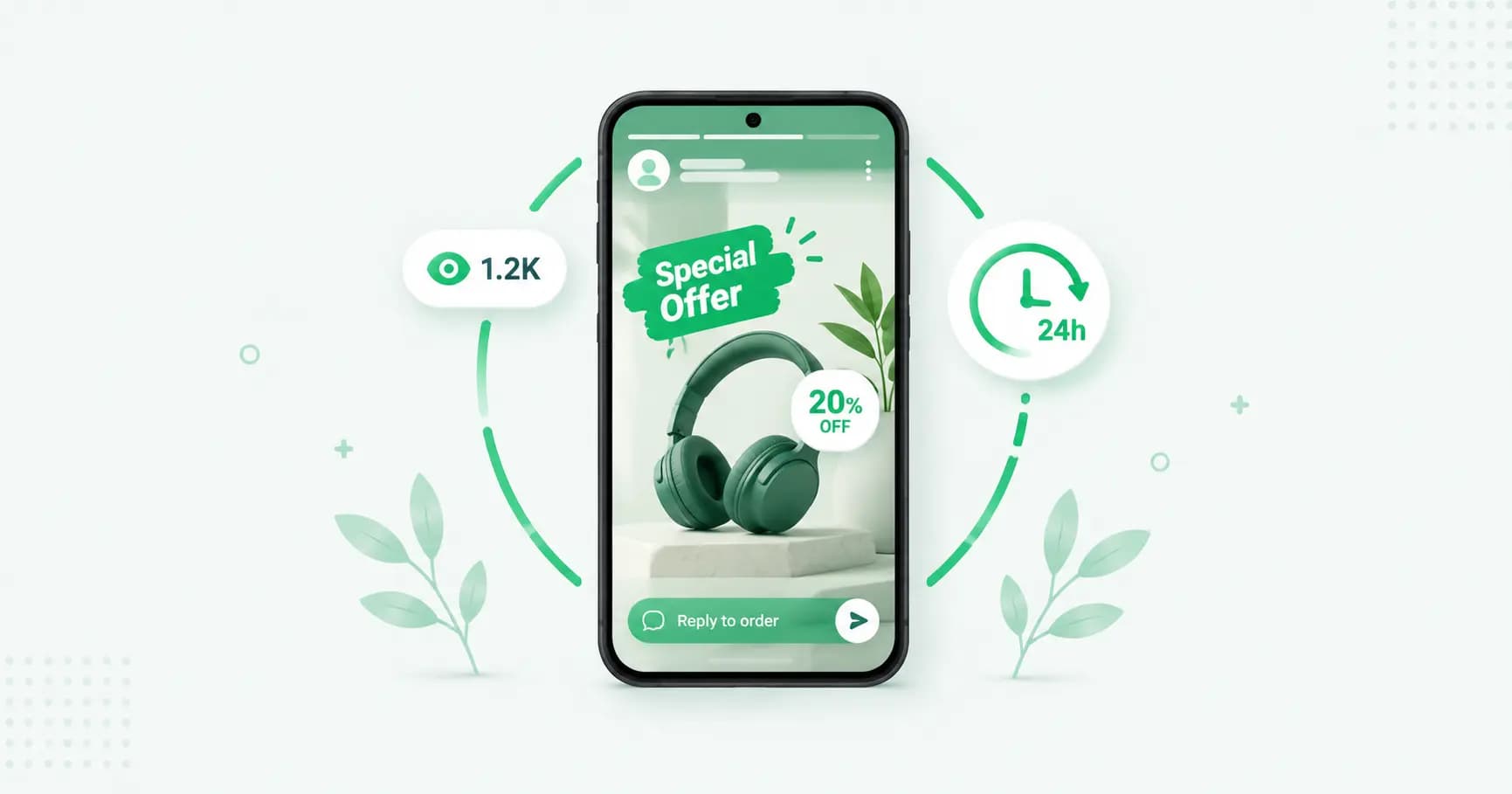
WhatsApp Status is the most underused free marketing tool most businesses already have. It's the Stories feature built into WhatsApp — photos, videos and text that disappear after 24 hours — and it lands in front of the one audience that already trusts you: the customers who have your number saved. No algorithm, no ad spend, no fighting for reach. This guide covers how Status works for business, ideas that actually convert, the honest limits, and how the new Status ads fit in.
What is WhatsApp Status?
WhatsApp Status lets you share photos, videos, voice notes, text and links that appear in the Updates tab and vanish after 24 hours. On the business side, it works exactly the same — but it's a genuinely powerful, free channel because of who sees it.
The one rule that shapes everything: Status is only visible to people who have your number saved in their contacts (and you in theirs). It's not public and it's not searchable. That's the catch and the strength at once — your reach is limited to your existing contacts, but those contacts are people who already know you, which is why Status converts far better than a cold social post.
Why Status works for business
It reaches a warm audience. Everyone who sees it already has your number — they're customers, leads or past enquiries, not strangers.
It's free with no cap on posts. No per-message cost, no reach throttling.
It's high-visibility. The Updates tab is checked daily by 1.5 billion people, and Status sits right there.
It feels personal, not promotional. Because it's the same feature friends use, a Status update reads less like an ad and more like a genuine update.
It drives replies, and replies are conversations. A viewer can reply straight to your Status, which opens a normal chat — and that's where sales happen.
12 WhatsApp Status ideas for business
Mix these up rather than posting the same product shot every day:
New arrivals — show the product the day it lands.
Limited-time offers — Status disappears in 24 hours, so urgency is built in ("today only").
Behind the scenes — packing orders, making the product, a day at the shop. This builds trust like nothing else.
Customer reviews and testimonials — a screenshot of a happy message (with permission).
Product in use — a short clip of it working, worn or being enjoyed.
Polls and questions — "Which colour should we restock?" Invite a reply.
Flash sale countdowns — post the offer, then update as stock or time runs down.
Festival greetings and offers — warm wishes on the day, tied to a seasonal deal.
Restock alerts — "Back in stock" for the item people kept asking about.
Tips and how-tos — quick, useful content that positions you as the expert.
Team and founder moments — a face behind the business humanises it.
Announcements — new hours, a new location, a new service.
How to post a WhatsApp Status
Open WhatsApp (or WhatsApp Business) and go to the Updates tab.
Tap Add status (or the camera / pencil icon).
Take or choose a photo or video, or tap the pencil for a text status.
Add text, stickers, a drawing, a link or music.
Tap Send.
Control who sees it: tap Privacy (or the three dots → Status privacy) and choose My contacts, My contacts except…, or Only share with…. For business, "My contacts" is usually right — but you can hide personal-feeling posts from customer contacts, or target a specific list for a VIP offer.
How to see who viewed your Status
Open your Status, then swipe up (or tap the eye icon) to see the viewer list. Two things to know: read receipts must be enabled for view counts to work, and you can only see viewers on the device with the business number, not on linked devices.
The views list is quiet gold — it tells you which customers are paying attention, so you know who to follow up with.
Turning Status views into sales
Views don't pay the bills; replies do. A simple three-step rhythm:
Create interest. Post something worth stopping for — a real offer, a genuine new product, a useful tip.
Invite a conversation. Always add a call to action: "Message us to order," "Reply for the price," "Ask me anything." Views are passive; a reply is a lead.
Respond fast. Customers who reply are often messaging several sellers at once. Speed wins the sale — an auto-reply can hold the moment until you get there.
Best practices
Post consistently — a few times a week keeps you in the Updates tab without fatiguing people.
Lead with a hook — the first 1.5 seconds decide whether someone taps past. Offer, face or striking visual first.
Add captions — many people watch with sound off, so put the message on screen.
Keep it vertical (9:16) so it fills the phone.
Make offers crystal clear and urgent — "30% off this weekend" beats "discover our new range."
Don't only sell — mix value, personality and behind-the-scenes with the promotions, or people mute you.
Use a human face — personal content outperforms pure product shots on Status.
The honest limits of Status for business
Status is excellent, but know its ceiling:
Contacts only. Its biggest limit — you can't reach anyone who hasn't saved your number. Growing that contact list is the real work.
No true analytics. You get a viewer list, not clicks, conversions or campaign data.
Disappears in 24 hours. No permanent presence (unlike a Channel post).
Manual. You post each one by hand; there's no scheduling in the app and no automation.
No targeting or personalisation beyond the basic privacy lists.
For staying top-of-mind with your existing customers, none of this matters much. For reaching new people or measuring results, you'll want other tools alongside it.
Status ads: reaching beyond your contacts
Here's the 2026 change that fixes Status's biggest limit. Meta has launched ads in Status — full-screen, vertical image or video ads that appear between people's organic Status updates in the Updates tab, and go global through late 2025. When someone taps the "Send Message" call to action, they land in a chat with your business.
The key difference from organic Status: ads reach people who don't have your number, and they're bought through Meta Ads Manager (choose a Messages, Engagement or Traffic objective, connect your WhatsApp Business Account, use manual placements to enable WhatsApp Status, and upload a 9:16 creative). They keep to the Updates tab — never inside personal chats, which stay end-to-end encrypted.
So the pairing is: organic Status to nurture your existing contacts for free, and Status ads (a form of WhatsApp advertising) to reach new customers and grow that contact list in the first place.
Status, Channels and broadcasts — which for what?
Three easily-confused ways to push updates:
Status — disappearing 24-hour updates to your saved contacts. Personal, warm, free.
Channel — permanent one-way posts to unlimited public followers. Broadcast-style, discoverable.
Broadcast / API — personalised messages delivered privately to each opted-in customer's inbox. Direct, measurable, at scale.
Most businesses use Status for daily warmth, a Channel for public reach, and the API for serious customer messaging with replies flowing to a team inbox.
Frequently asked questions
How do I use WhatsApp Status for business?
Post photos, videos or text updates in the Updates tab that disappear after 24 hours — new arrivals, offers, behind-the-scenes, reviews and polls — always with a call to action like "Message us to order." Status reaches contacts who have your number saved, so it's a free way to stay top-of-mind with existing customers and turn replies into sales.
Who can see my WhatsApp Status?
Only people who have your number saved in their contacts, and you theirs — Status is not public or searchable. You can further limit it with privacy settings to My contacts, everyone except certain people, or only specific contacts.
How many people can see my WhatsApp Status?
There's no fixed limit on viewers, but your audience is capped by your contacts — only people who have saved your number can see organic Status. To reach beyond your contacts, you'd use Status ads, which appear to users who don't have your number.
How do I see who viewed my WhatsApp Status?
Open your Status and swipe up or tap the eye icon to see the viewer list. Read receipts must be enabled, and you can only see viewers on the device with your business number, not on linked devices.
Is WhatsApp Status free for business?
Yes. Posting Status updates is completely free with no limit on how many you post. Only Status ads, which reach non-contacts through Meta Ads Manager, carry a cost.
What are WhatsApp Status ads?
They're full-screen vertical image or video ads that appear between organic Status updates in the Updates tab. Launched in 2025 and now global, they let businesses reach people who don't have their number saved, and a tap opens a chat with the business. They're created in Meta Ads Manager and never appear in personal chats.
What's the difference between WhatsApp Status and a Channel?
Status updates are disappearing 24-hour posts visible only to your saved contacts. A Channel is a permanent, public, one-way feed with unlimited followers that anyone can find and follow. Status is personal and warm; a Channel is broadcast and discoverable.
How often should a business post on WhatsApp Status?
A few times a week is a good rhythm — enough to stay visible in the Updates tab without fatiguing viewers into muting you. Mix content types (offers, behind-the-scenes, tips, reviews) rather than posting only promotions.
The bottom line
WhatsApp Status is free reach to your warmest audience, and most businesses barely touch it. Post consistently, mix real value with your offers, always invite a reply, and respond fast when one comes. Its one limit — contacts only — is exactly what Status ads now solve, so pair organic Status to nurture the people who know you with ads to reach the people who don't yet.
Turn Status replies into a real sales channel. Splashify Pro captures every reply in a team inbox with AI auto-responses on the official WhatsApp API — so no lead from your Status ever goes cold. Free for 14 days.
Related posts
More articles you might find useful.
WhatsApp Channels: How to Create, Grow and Use One for Business (2026)
WhatsApp Channels give you free, unlimited one-way reach inside the Updates tab that 1.5 billion people check daily. This 2026 guide covers how to create a channel, how to grow it, what's new (paid subscriptions and promoted channels), how it compares to groups and broadcasts — and the honest limits to know before you build a strategy on it.
WhatsApp Business Statistics 2026: 60+ Data Points for India & Global
The most accurate WhatsApp statistics for 2026 — user numbers, business adoption, India-specific data, marketing performance, pricing and AI trends. Every figure sourced, with conflicting estimates flagged rather than copied, so you can cite these numbers with confidence.
WhatsApp for Restaurants: Build Direct Orders & Cut Aggregator Commission (2026)
Swiggy and Zomato take 18–30% of every order. A direct WhatsApp order costs 4–6%. This 2026 playbook shows Indian restaurants and cloud kitchens how to build a direct ordering channel on WhatsApp — capturing customer numbers, automating reorders, taking reservations and running specials — without walking away from the aggregators that bring you discovery.