WhatsApp vs WhatsApp Business: Which Should You Use in 2026?
WhatsApp is for personal conversations; WhatsApp Business adds a professional profile, catalog, labels and automated replies for customer chats. Compare both apps side by side and choose the right one.

On this page
WhatsApp vs WhatsApp Business: Which Should You Use in 2026?
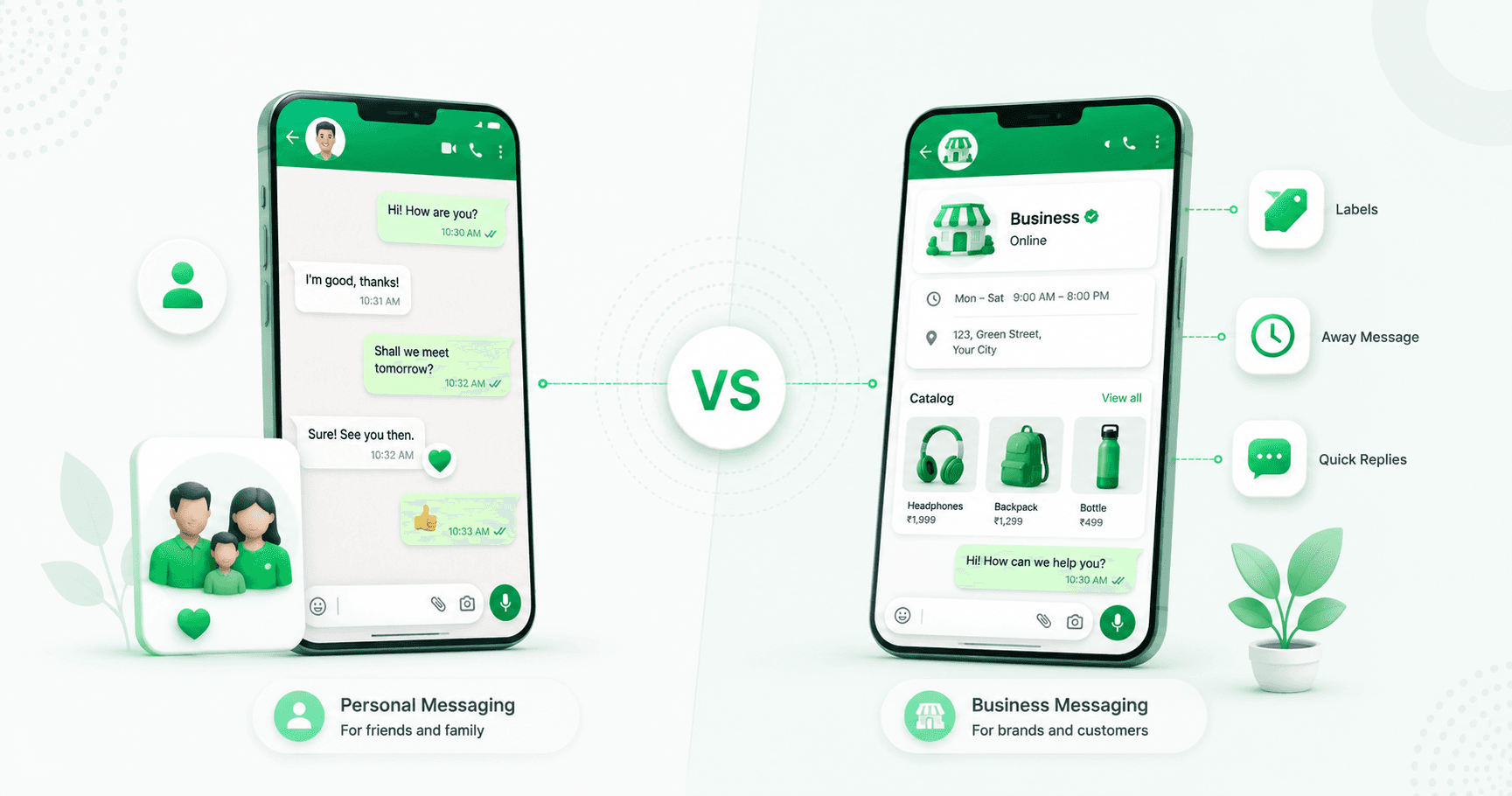
WhatsApp Messenger and the WhatsApp Business app look familiar because they share the same core experience: private chats, calls, groups, media sharing, Status and linked devices. The difference is what each app is designed to do.
Use WhatsApp Messenger for friends, family and personal conversations. Use WhatsApp Business if customers contact you about products, services, bookings or support
The Business app adds a professional profile, product catalog, chat labels, quick replies and automated greeting and away messages. It is free to download, although Meta now describes it as a mix of free and paid features.
This comparison explains the differences, costs and switching rules so you can choose the right app in a few minutes.
WhatsApp vs WhatsApp Business: the quick answer
Choose regular WhatsApp when:
- Your conversations are personal
- You mainly message friends, family, groups and communities
- You do not need a public business identity or customer-management tools
Choose the WhatsApp Business app when:
- You sell products or services
- Customers need to see your business name, description, address, hours or website
- You repeatedly answer the same questions
- You want to organise enquiries, orders and follow-ups
- You need a catalog, greeting message or away message
Install both apps when you want separate personal and customer inboxes on one phone. Each app must use a different phone number.
If a team needs advanced automation, a shared inbox or CRM integration, neither phone app is enough. That is when you should consider the [WhatsApp Business API](https://splashifypro.com/blog/whatsapp-business-api-guide).
WhatsApp vs WhatsApp Business: comparison table
Feature | WhatsApp Messenger | WhatsApp Business app |
|---|---|---|
Designed for | Personal communication | Business and commercial communication |
Text, voice messages and media | Yes | Yes |
Voice and video calls | Yes | Yes |
Groups and Status | Yes | Yes |
Web, desktop and linked devices | Yes | Yes |
Professional business profile | Yes | No |
Business category, hours and website | No | Yes |
Product or service catalog | No | Yes |
Automated greeting message | No | Yes |
Scheduled away message | No | Yes |
Quick replies | No | Yes |
Labels for chats and orders | No | Yes |
Customer-facing business identity | No | Yes |
Core price | Free | Free download; mix of free and paid features |
Best choice for | Personal life | Solo owners and small businesses |
The important point is that WhatsApp Business is not an entirely different messaging network. Your customers can message a Business account from regular WhatsApp; they do not need to install the Business app.
What is regular WhatsApp?
WhatsApp Messenger is Meta's personal messaging and calling app. It is designed to help people communicate privately with friends, family and other contacts.
Its core features include:
- Individual and group chats
- Voice and video calls
- Photos, videos, documents, locations and voice messages
- Status updates
- Communities and Channels
- Web, desktop and companion-device access
For personal communication, regular WhatsApp is the simpler choice. It does not ask you to create a business profile or manage a catalog, and it keeps your personal identity separate from your storefront.
What is the WhatsApp Business app?
WhatsApp Business is a separate Android and iPhone app designed for small businesses. It includes the familiar WhatsApp chat and calling experience, then adds tools for presenting a business and managing customer conversations.
Its main business-only tools are:
- A business profile
- Product and service catalogs
- Greeting and away messages
- Quick replies
- Chat labels
- Catalog links, QR codes and short links
- Business-focused marketing and commerce features where available
Meta's Business Terms say its Business Services are for business or commercial use rather than personal, family or household use. That is another reason to keep personal conversations in Messenger and customer conversations in the Business app.
For detailed setup instructions and a walkthrough of every tool, read our [complete WhatsApp Business app guide](https://splashifypro.com/blog/whatsapp-business-app-guide).
The seven differences that matter
1. Personal identity vs professional profile
A regular WhatsApp profile is intentionally simple. It identifies you as a person through your name, photo and About information.
A WhatsApp Business profile works more like a mobile business card. Depending on the information you provide and the features available to your account, customers may see:
- Business name and profile image
- Business category and description
- Address or service location
- Opening hours
- Email address
- Website
- Product catalog
This information answers common trust questions before a customer sends a message. A local shop can display its hours; a consultant can link a booking website; a home business can explain what it sells.
2. Normal chats vs organised customer conversations
Both apps let you send and receive messages. WhatsApp Business adds **labels** so you can group chats by stage or purpose.
A simple label system might include:
- New enquiry
- Quote sent
- Order confirmed
- Payment pending
- Follow up
- Resolved
Regular WhatsApp has general chat-management features, but it does not provide the same small-business workflow. If your inbox contains leads, orders and customer-support questions, labels make the Business app easier to manage.
3. Repeated typing vs quick replies
Regular WhatsApp expects you to type, paste or forward your answer.
WhatsApp Business offers quick replies for frequently used responses. A shortcut such as `/hours`, `/price`, `/delivery` or `/location` can insert a prepared answer.
Quick replies are useful when customers ask the same questions every day. They improve speed and consistency without making the conversation feel like a chatbot.
4. Manual availability vs greeting and away messages
Regular WhatsApp does not include business greeting and away-message tools.
WhatsApp Business can automatically welcome a new customer and tell people when you are unavailable. A useful greeting sets expectations and collects one helpful detail:
> Hi! Thanks for contacting Bright Home Services. We reply from 9 AM to 7 PM. Please share your location and the service you need.
A useful away message says when the business will return:
> Thanks for your message. We are currently closed and will reply after 9 AM tomorrow. If this is about an existing booking, please send your booking number.
These are simple rules, not full workflow automation. For branching chatbots, automatic lead qualification and event-triggered follow-ups, you need the official API.
5. No storefront vs a catalog
Regular WhatsApp can send product photos and links, but it does not give your profile a structured product catalog.
The Business app lets you showcase products or services in a mobile storefront. Customers can open the catalog from your profile, browse items and share an item in a chat.
This is helpful for a small retailer, restaurant, beauty professional, consultant or service business. However, a catalog is not automatically a complete ecommerce operation. Inventory sync, advanced checkout, automated order routing and detailed sales attribution may require connected tools.
See our guide to [selling on WhatsApp with a catalog, store and payments](https://splashifypro.com/blog/how-to-sell-on-whatsapp-store-catalog-setup).
6. Personal presence vs a business identity
When customers open a chat with a Business account, WhatsApp identifies it as a business and can show its business profile. This gives customers more context than a personal number with an unfamiliar name and photo.
A Business account does **not** automatically receive a verified badge. Verification and Meta Verified availability follow separate eligibility, subscription and review processes.
Do not choose the Business app only because someone promised an instant green tick. Choose it because the profile and customer tools are useful. Read our [WhatsApp verified badge guide](https://splashifypro.com/blog/how-to-get-whatsapp-green-tick) before paying anyone for verification help.
7. Personal use vs business responsibilities
The Business app creates useful tools, but it also creates responsibilities.
WhatsApp's Business Terms require a business to:
- Use accurate business information
- Follow applicable laws and WhatsApp policies
- Obtain necessary rights, permissions and customer consent
- Honour requests to stop or opt out
- Protect account access and customer data
- Avoid spam and unauthorised automation
Changing the app icon does not give a business permission to message everyone in its phone book. Customer trust and valid opt-in still matter.
Is WhatsApp Business free?
WhatsApp Business is free to download and use for its core small-business experience. However, it is no longer accurate to describe every feature as permanently and universally free.
The current official app listing says WhatsApp Business contains a mix of free and paid features. Optional costs can include:
- Paid business broadcasts or marketing features in supported markets
- Meta Verified subscriptions
- Ads that click to WhatsApp
- Internet or mobile-data charges
- API and platform charges if the business later upgrades
Feature availability and prices can differ by country, device and account. Check the price shown inside the app before subscribing or sending a paid campaign.
Regular WhatsApp also has no subscription fee for its core messaging and calling experience, although data charges and optional paid experiences may apply.
Can WhatsApp and WhatsApp Business use the same number?
Not at the same time as two separate accounts.
WhatsApp Messenger and WhatsApp Business are different apps, but one phone number cannot remain registered in both simultaneously. You have three practical options:
1. Personal WhatsApp only: one number in Messenger
2. WhatsApp Business only: move the number into the Business app
3. Both apps on one phone: use one number for Messenger and a different number for Business
The third option is usually best for a solo owner who wants a clean boundary between personal life and customer support.
Can I use WhatsApp Business and personal WhatsApp on one phone?
Yes. Meta's current WhatsApp Business listing explicitly supports keeping a personal and business account on one device, provided they use two different phone numbers.
A common setup is:
- Personal SIM or number → WhatsApp Messenger
- Business SIM, eSIM or eligible landline → WhatsApp Business
This keeps customer notifications out of family chats and makes it easier to hand over the business number later without giving anyone access to a personal account.
For additional multi-account methods, device-specific instructions and common mistakes, use our upcoming guide to running two WhatsApp accounts on one phone.
Can I change from WhatsApp to WhatsApp Business?
Yes. WhatsApp provides a migration path from Messenger to the Business app.
Before changing:
1. Update both apps
2. Create a current backup
3. Confirm that you control the phone number
4. Install the official WhatsApp Business app
5. Register the number and follow the restore or transfer prompts
6. Check your chats and media before deleting anything
7. Complete the business profile and tools
The Business app listing says you can restore a backup to transfer messages, media and contacts to the business account. The exact backup and restore flow can differ between Android and iPhone, so follow the prompts shown on your device.
Remember that moving the number means it stops being an active Messenger account. If you want to keep personal WhatsApp as well, register it with a second number.
Can I switch back to regular WhatsApp?
WhatsApp supports moving between Messenger and the Business app, but business-only information does not all move back.
Your catalog items and collections, for example, are features of the Business app rather than regular Messenger. Back up your chats and save any important business information before switching.
If the number has become a recognised customer contact, consider whether moving it back will confuse customers or remove useful profile information. In many cases, it is cleaner to keep the established business number in WhatsApp Business and use another number for personal messaging.
Will customers know I use WhatsApp Business?
Yes. WhatsApp can label the account as a business, and customers can open the business profile to view the information you have provided.
That is usually an advantage. It helps a customer confirm that they are speaking to a business and find details such as the description, website, hours and catalog.
Customers can still chat normally from their regular WhatsApp app. They do not need a business account themselves.
Is WhatsApp Business safer than regular WhatsApp?
The Business app is not a magic security upgrade. Both products come from WhatsApp and use the same familiar account-security model for app-based messaging.
Your practical risk often depends more on how you operate the account:
- Never share registration or two-step-verification codes
- Turn on two-step verification
- Review linked devices regularly
- Give account access only to authorised people
- Keep customer information out of unsecured spreadsheets and personal devices
- Use only official WhatsApp apps and approved integrations
A business must also consider privacy notices, consent, retention and any sector-specific obligations. WhatsApp's Business Terms warn that its services may not automatically satisfy every heightened confidentiality requirement in regulated industries.
Which app should different users choose?
Students, families and personal users
Choose **WhatsApp Messenger**. You need private messaging, calls, groups and Status—not a catalog or customer labels.
Freelancers and consultants
Choose **WhatsApp Business** if clients contact you on WhatsApp. Add your services, working hours, website and quick replies.
Local shops and home businesses
Choose **WhatsApp Business**. The profile, catalog, greeting, away message and order labels provide immediate value.
Creators and side-hustle sellers
Use both apps with different numbers. Keep your personal community separate from enquiries, collaborations and sales.
Small teams
Start with WhatsApp Business if one owner or a very small team can manage the inbox reliably. Linked devices can help, but they do not provide full conversation ownership, routing, permissions, internal notes or manager reporting.
Growing support or sales teams
Use the WhatsApp Business API with a shared inbox. The phone app becomes restrictive when several agents, automated workflows, campaigns or integrations are required.
WhatsApp Business app vs WhatsApp Business API
These are not the same product.
WhatsApp Business app | WhatsApp Business API |
|---|---|
A phone app for small businesses | Infrastructure for teams and automation |
Built-in mobile inbox | Requires a platform or custom interface |
Best for manual one-to-one replies | Best for shared support, sales and campaigns |
Basic greeting and away rules | Chatbots and advanced workflow automation |
Limited team collaboration | Multi-agent inbox, routing and permissions |
No native CRM workflow integration | CRM, ecommerce and business-system integrations |
No native CRM workflow integration | CRM, ecommerce and business-system integrations |
Free download with optional paid features | Meta message charges plus possible platform fees |
Stay with the Business app while customer conversations are manageable and manual work is reliable. Consider the API when:
- Several agents need clear chat ownership
- Leads from ads need instant qualification
- Follow-ups are frequently missed
- A CRM or ecommerce store must trigger messages
- You need large, opted-in campaigns
- Reporting and conversion attribution matter
[Splashify Pro](https://splashifypro.com/whatsapp-api) connects businesses to the official WhatsApp Business API and adds broadcasts, automation, AI agents, analytics and a shared team inbox.
Frequently asked questions
What is the main difference between WhatsApp and WhatsApp Business?
WhatsApp Messenger is designed for personal communication. WhatsApp Business is designed for commercial use and adds a professional profile, catalog, quick replies, labels, greeting messages and away messages.
Is WhatsApp Business better than normal WhatsApp?
It is better for customer conversations, but not for personal use. Choose the Business app when you need business identity and workflow tools; choose Messenger for friends, family and personal groups.
Is WhatsApp Business free?
It is free to download and includes free core tools. Meta says the app contains a mix of free and paid features, so broadcasts, marketing tools, Meta Verified and other optional features may cost money or vary by market.
Can I use WhatsApp and WhatsApp Business on the same phone?
Yes. Install both apps and register each with a different phone number.
Can I use the same number for WhatsApp and WhatsApp Business?
Not simultaneously as separate accounts. A number can be moved from Messenger to the Business app, but it cannot remain active in both apps at the same time.
Do customers need WhatsApp Business to message a business?
No. Customers can use regular WhatsApp to message a WhatsApp Business account.
Can I move my chats from WhatsApp to WhatsApp Business?
Yes. Back up first, register the number in WhatsApp Business and follow the migration and restore prompts. WhatsApp says compatible messages, media and contacts can be transferred.
Does WhatsApp Business give you a verified badge?
No. Creating a Business account does not automatically provide a verified badge. Badge eligibility, Meta Verified subscriptions and review processes are separate.
When should I use the WhatsApp Business API instead?
Use the API when you need several agents, a shared inbox, chatbots, CRM or ecommerce integrations, large opted-in campaigns, automatic follow-ups or detailed analytics.
The bottom line
The choice is simple:
- Personal conversations → WhatsApp Messenger
- Customer conversations for a small business → WhatsApp Business
- Personal and business on one phone → both apps with different numbers
- Teams, automation and campaigns at scale → WhatsApp Business API
Do not move to complicated software before your workflow needs it. The free Business app is a strong starting point for a solo owner or small business. Complete the profile, set up quick replies, add a small label system and turn on honest greeting and away messages.
When manual work becomes the bottleneck, **[start a free 14-day Splashify Pro trial →](https://app.splashifypro.com/auth/signup)** and manage broadcasts, automation and team conversations through the official WhatsApp Business API.
Related posts
More articles you might find useful.
Best AiSensy Alternative in 2026: Splashify Pro vs AiSensy
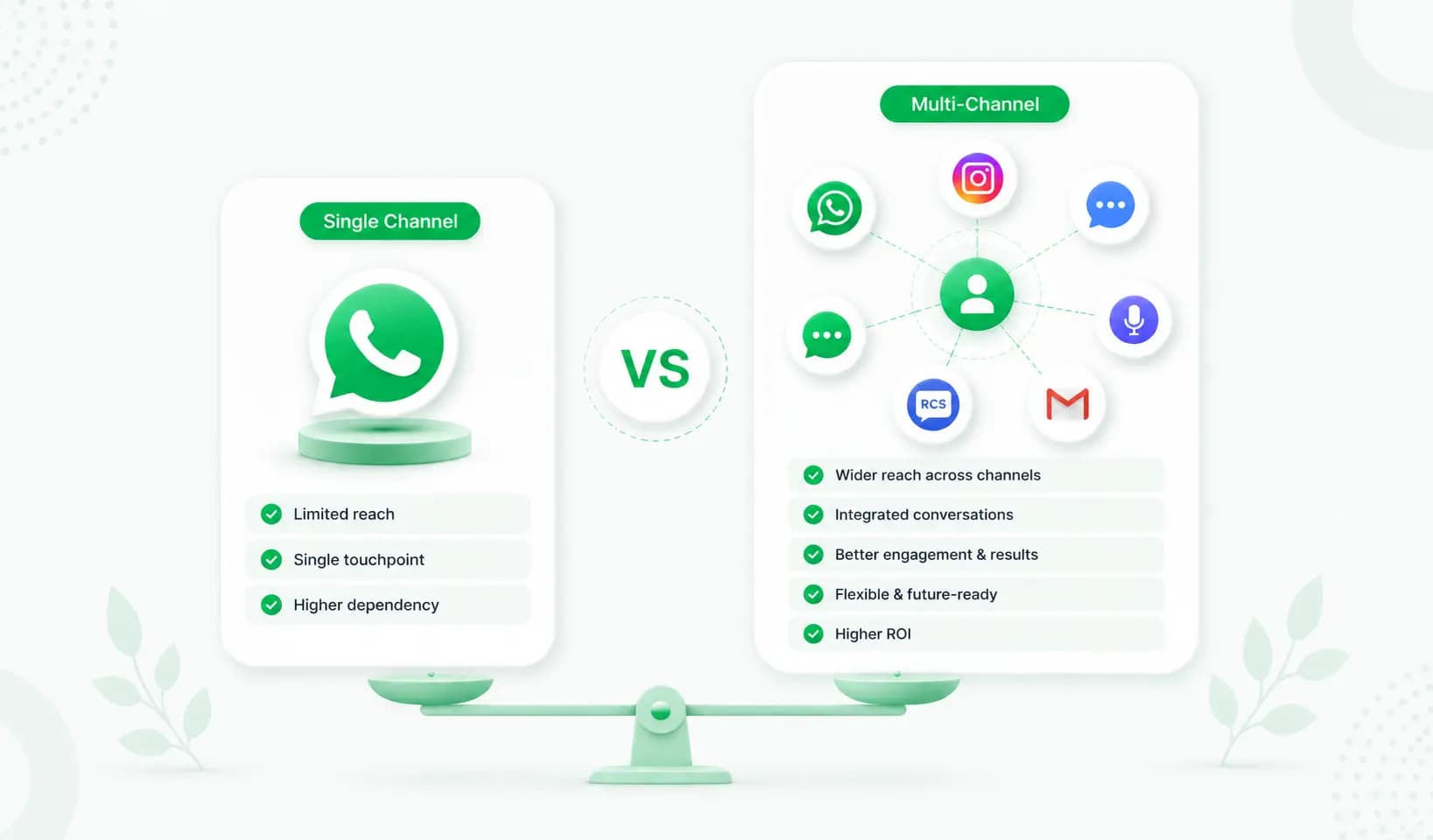
Looking for an AiSensy alternative in 2026? AiSensy is India's biggest WhatsApp API platform with a free plan, but it's WhatsApp-only and gates key features behind higher tiers. This honest comparison puts Splashify Pro vs AiSensy on pricing, AI, channels, white-label and support — including where AiSensy genuinely wins.
Best WATI Alternative in 2026: Splashify Pro vs WATI
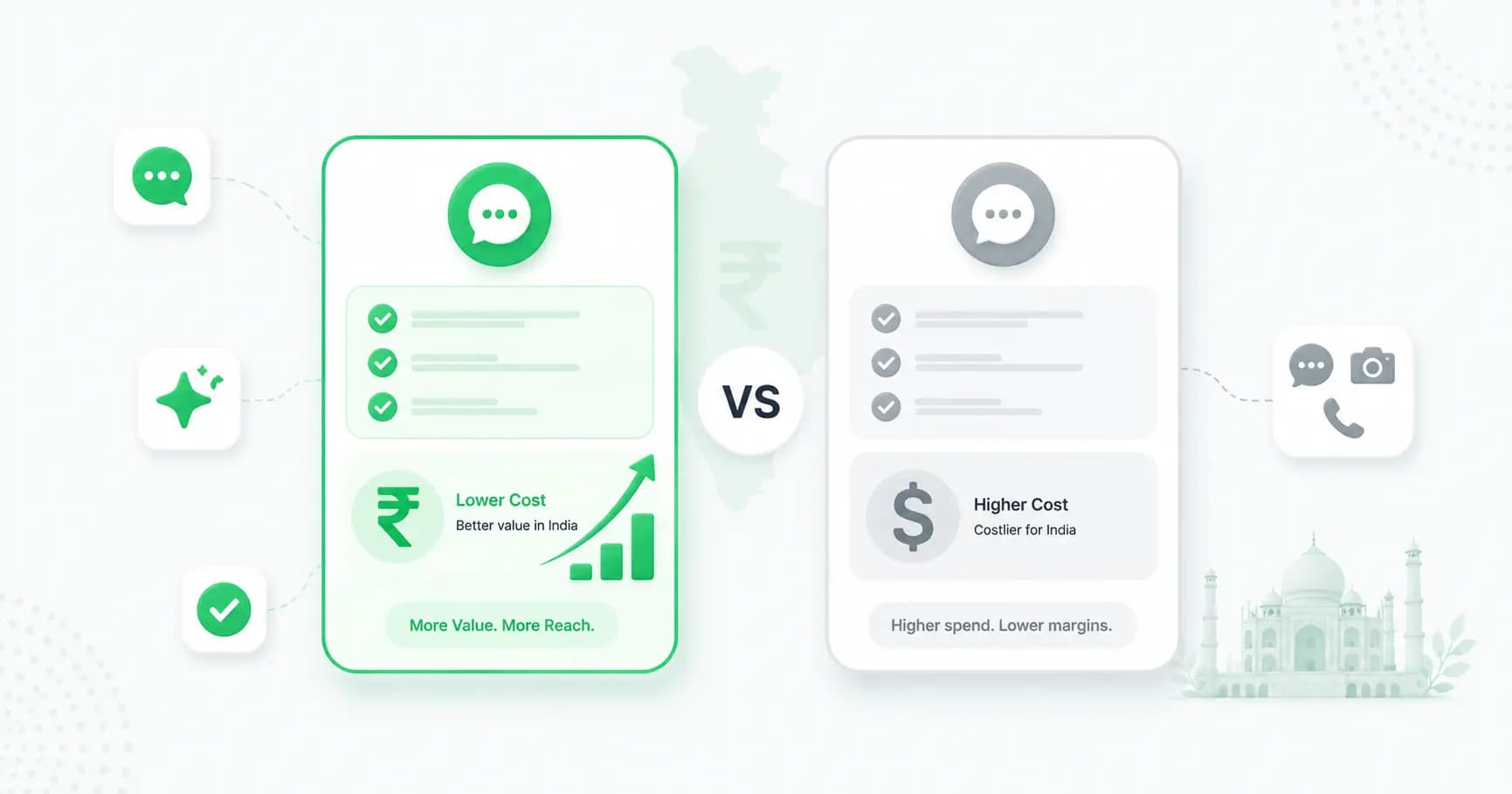
Looking for a WATI alternative in 2026? Splashify Pro offers INR pricing (no USD/FX surprises), built-in AI agents, Instagram, RCS and WhatsApp Calling, plus white-label — from a lower entry price. Here's an honest Splashify Pro vs WATI comparison.
Best Interakt Alternative in 2026: Splashify Pro vs Interakt
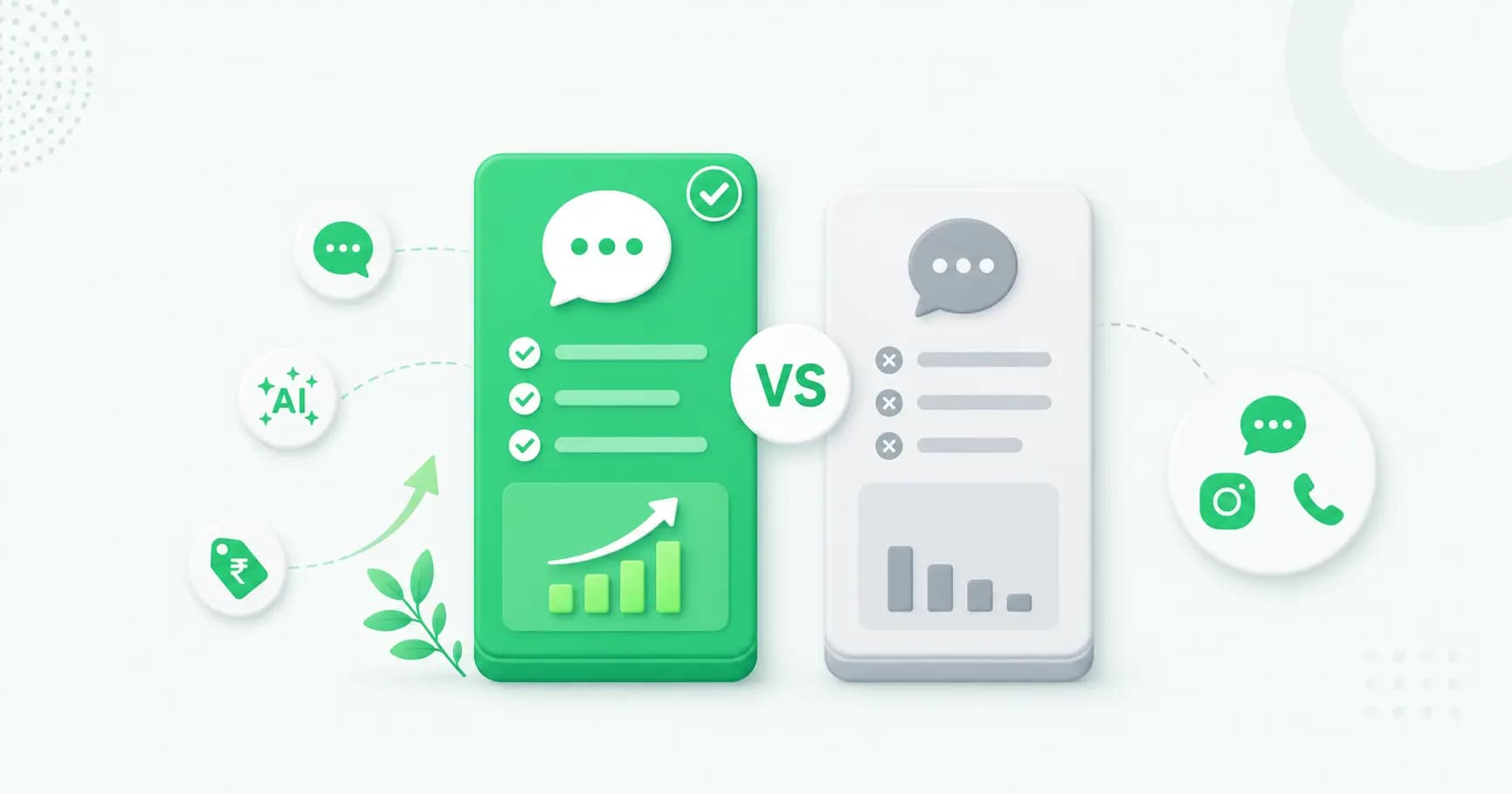
Looking for an Interakt alternative in 2026? Splashify Pro starts ~60% cheaper and includes AI agents, Instagram, RCS and WhatsApp Calling built-in (no add-ons), plus white-label. Here's an honest Splashify Pro vs Interakt comparison.